

Let's talk






Sector
UX for cloud management, IT asset management and licence management: dense data tables, states, permissions and configuration that overwhelm even experienced admins. We design interfaces in which technical users derive decisions from data instead of piecing them together. The experience comes from product work on an IT asset management platform and on a workflow designer for document management.

Beabstracto is a UX studio in Munich for complex expert systems. In cloud and IT we work on enterprise SaaS for IT operations: cloud management, IT asset management, software asset and licence management, ITSM. The users are administrators, licence managers and FinOps teams who have to derive decisions from large data tables and understand states across many transactions. We bring experience from product work on an IT asset management platform and in configuration-heavy workflow tools, and we are informed by the Nielsen Norman Group's work on complex applications as a benchmark, not as a certificate.
Enterprise software for IT operations is powerful, and that is exactly what makes it hard. These are the places where product teams see tickets, workarounds and modules nobody opens.
A module can be set up in a hundred ways, and every option has side effects on others. Customers configure only with the help of consultants and then do not dare to change anything. What was meant to be flexible becomes a barrier to use.
Thirty columns, thousands of rows, every column important to someone. Users rebuild the same filter combinations again and again, export to Excel and continue there. The decision is made outside the product, and the product never finds out.
An asset is discovered, assigned, licensed, expired, under review. An instance is running, paused, flagged, scheduled for shutdown. Who sees what, who may do what, and why is the button grey? When the state model and permissions are not made visible, support cases and wrong decisions follow.
Admins and licence managers do not want a tour, they want to get the task done. At the same time, the product's data model differs from the one in their heads. Without clear terms, entry paths and examples, the product remains a foreign body even after training.
The product grows, and every module invents its own patterns for tables, filters and detail views. To the customer it looks like several products. Adoption lags behind sales, and the team does not know whether the module or the interface is to blame.
In mature products nobody knows for sure whether the interface is getting better or worse. There are tickets and gut feeling, but no benchmarks that show where tasks break down. Decisions about roadmap and design remain a matter of opinion.
We work inside existing product organisations, with a design system, release cycles and a roadmap that does not wait for us.
We talk to administrators, licence managers and operations teams at the customer and look at how they actually work: which views they build, what they export, where they call support. From that comes a picture of tasks and decisions, not just a feature list.
With product management and development we define which objects, states and permissions the product knows, and we design what they are called and how they look in the interface. A consistent state model resolves more support tickets than any tooltip.
We design table navigation, saved views, filters, detail panels and configuration flows as reusable patterns within the existing design system. That way the solution helps locally without fragmenting the overall product.
We test prototypes with admins and domain experts using realistic tasks and real data, not placeholders. We capture abandonments, detours and misinterpretations before development starts, and we repeat the tests after release as a benchmark.
We hand over specified components and flows to development, accompany release and customer onboarding, and on request stay in the product as UX support: quality rituals, benchmarks and the small improvements that would otherwise be left undone.
Four clearly cut services for professional systems
Each with a fixed team, a fixed point of contact and no onboarding time in your domain.

The founder was embedded as a Senior Product Designer with a vendor of enterprise software for IT asset management, FinOps and software asset management. He designed workflows for ITAM interfaces, conceived table navigation and saved filters, ran usability tests and aligned the results with a design organisation of more than 20 designers. A local table problem became a reusable product pattern.
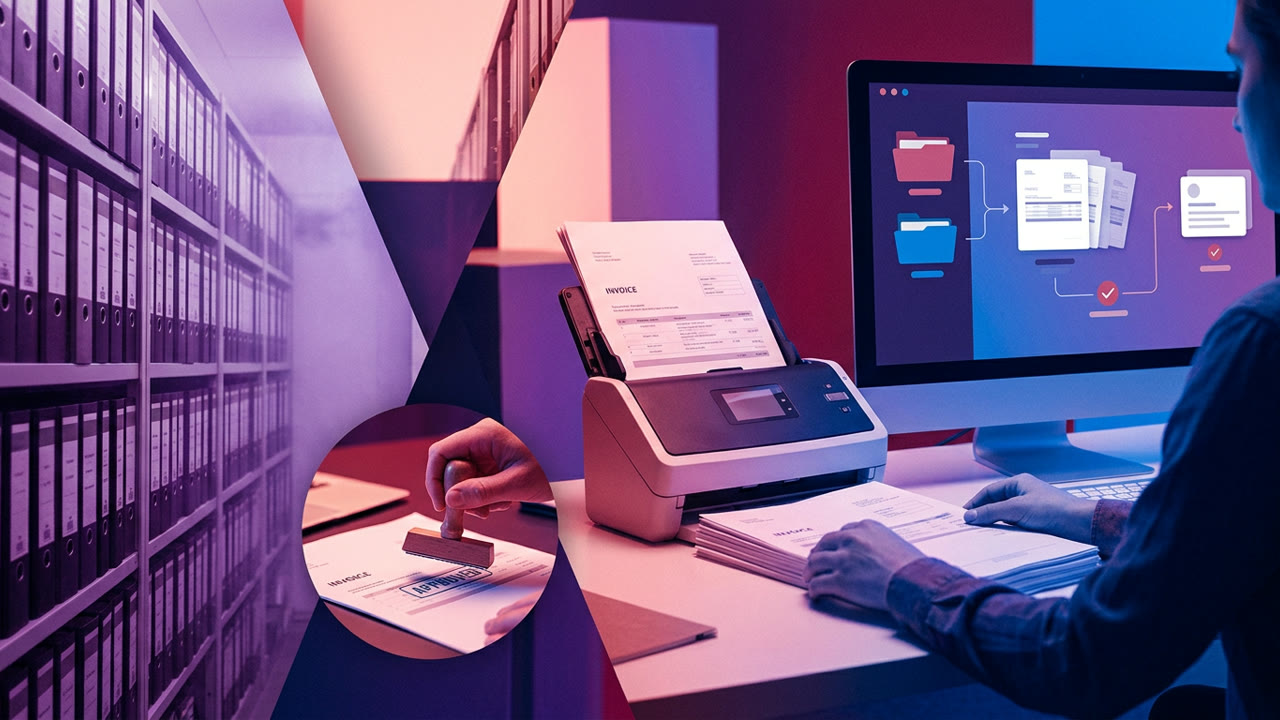
In permanent employment as a UX/UI designer, the founder worked on the usability of a workflow designer and on configuration-heavy enterprise flows, as well as on design system foundations with tokens, Figma migration and documentation. UX benchmarks, quality rituals and OKRs made UX quality measurable in a mature product.
Today the studio works with clients from areas such as ITSM and cloud management, document management, and banking and tax software. The domain changes, the UX questions stay the same: dense data, many states, decisions under time pressure.

Show us the module that generates the most tickets. We will look at where UX brings the most.