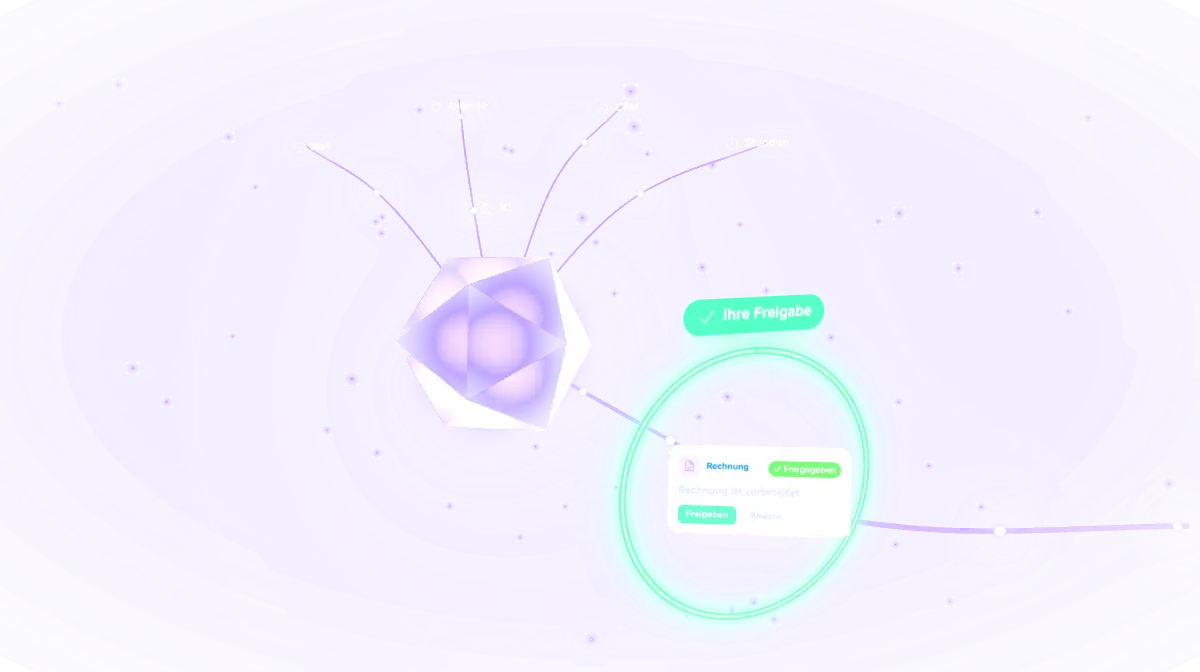

Let's talk


Service · AI workflows for companies
This is how we work ourselves, every day: AI sorts email and writes drafts, keeps the CRM up to date, reminds us of deadlines and prepares invoices. Nothing is sent or booked until a person has said yes. We set up the same workflows in your company, step by step and billed by the hour.
Four steps, always in the same order. AI prepares, a person decides.
Calendar
14
CRM
7,5 h
01 · Input
Emails, appointments, deadlines, hours and enquiries from the programs you already use.
✦ AI draft
02 · AI
It sorts, writes a draft and fills in data. Nothing is sent yet.
03 · Approval
On the phone or at the desk: approve, edit or ask back.
Nothing goes out without approval
04 · Done
The email goes out, the hours are booked, the CRM is up to date. Everything stays traceable.
Connected to your tools
Five workflows from our own office that run every day.
Incoming mail gets sorted, and every message that needs an answer comes with a draft. We read it, fix what doesn't fit and send it ourselves.
Anything that needs a decision shows up as a card in a list on the phone. We check it, approve it or write back a question, even between two meetings.
AI keeps contacts, requests and next steps up to date in the CRM. Each morning there is a short overview of what is due today.
☀ Today
Follow up on 2 quotes
Call back at 10
Check contract
AI suggests the hours from our work log. Only after we have checked them do they go into the time tracker, which is also where our invoices are created.
Hours
✦ AI draft✓ Checked
All our recurring tasks and deadlines live in a calendar that runs on a schedule. Daily routines, reminders and follow-ups start on their own, and anything that needs a decision arrives as a card on the phone.
Calendar
NovemberThese tasks exist in almost every business, whether service firm, agency, manufacturer or hotel. One of them is usually enough to start with.
Enquiries, invoices, suppliers and newsletters end up in separate places. Every email that needs an answer comes with a draft that you adjust and send yourself.
Contracts, payment terms, filings and maintenance dates go into a calendar that runs on its own. AI reminds you in time, notes what needs to be done and prepares follow-up emails as drafts.
AI suggests hours from your calendar, notes or work log. Once you have checked them they go into the time tracker, and the invoice is prepared. Accounting and taxes stay with your tax advisor.
AI keeps contacts, enquiries and quotes up to date in the CRM. Anyone still waiting for an answer shows up on your list in time, with a draft for the follow-up.
Orders, appointments and shift plans turn into a daily task list per person. Your team sees it on their phones and ticks things off there.
Project tool, accounting software or booking system: we connect AI to what you already use, so nobody has to retype data from one program into another.
Meetings become minutes with action items, receipts and contracts get named and filed, quotes are prepared from templates. You proofread and approve.
Click a step or just watch.
Step by step, billed by the hour. After each step you decide whether to continue.
By video. You tell us where your time goes, and we say plainly what AI can take over and what is better left with you.
We pick one task that comes up often and takes work off your plate quickly. Usually that is the inbox or something that is typed in by hand today.
Before we start, you get an estimate of how many hours the step will take. Work begins only once you say yes.
We connect the inbox, calendar, CRM, project tool and cloud storage you use today. You usually don't need a new system for this.
You use the workflow for a few days in your business. If it works, we move on to the next task. If it doesn't, we adjust it or drop it.
Nothing goes out without your approval: no email, no message to customers, no payment. AI prepares, you decide.
GDPR data protection with a DPA (AVV in German): processing of your data is covered by a data processing agreement. Up front we work out with you which data goes where, and we document every workflow.
Accounting and taxes stay with your tax advisor. We prepare the paperwork, the bookkeeping happens on their side.
We work remotely, by video and screen share. You can revoke any access you give us at any time.
We also automate workflows and connect systems in larger projects. You can read about two of them.
SharePoint and Teams: one place for every project, with status, team, milestones and documents.
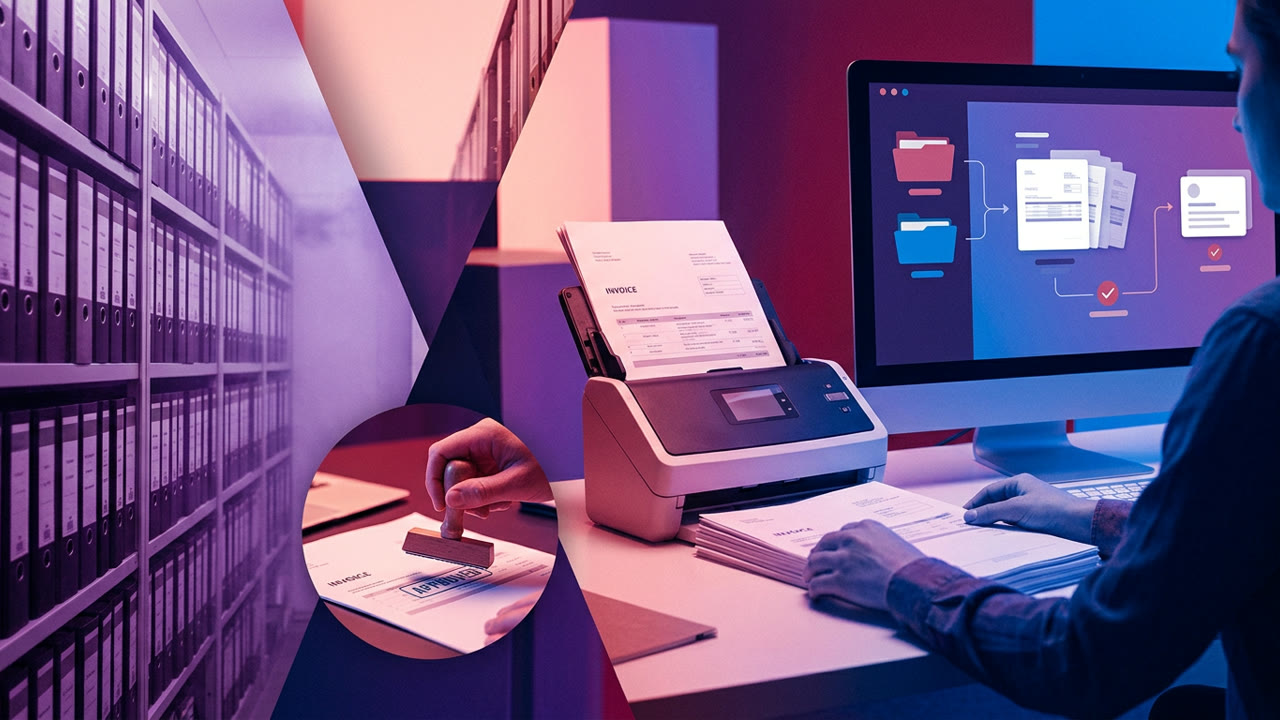
Workflow Designer, configuration flows and design system for a document management system.
Tell us in a free intro call what eats up your time each week. We'll suggest a first step, with an estimate in hours.
Free intro call